Free Exam Planner: Build a Personalised Study Schedule for Any Exam
👥 Who Is This Exam Planner For?
Built for students facing any high-stakes exam:
- Board exam students (10th / 12th grade) balancing school with intensive home study
- Entrance exam aspirants preparing for JEE, NEET, SAT, GMAT or similar competitive exams
- University students managing finals across multiple subjects with different credit weights
- Professional certification candidates fitting study into a working schedule
- Parents helping their children build a structured revision routine
- Tutors & coaches designing a study plan for their students
📋 How to Create Your Study Schedule
- Enter basic info:
Give your plan a name, set a start date and choose how many weeks you need, from 1 to 8 weeks.
- Set your study window:
Define when you are free to study each day (e.g. 9 AM – 11 PM) and your preferred block size (1 or 2 hours).
- Add your subjects:
Enter up to 15 subjects with a 3-letter short code. Set exam dates if you have them, then assign a weightage (priority level) to each subject.
- Configure your weekly routine:
Block out school hours, add regular activities (sports, tuition), mark breaks, and add one-off skip blocks for trips or events.
- Build and refine your schedule:
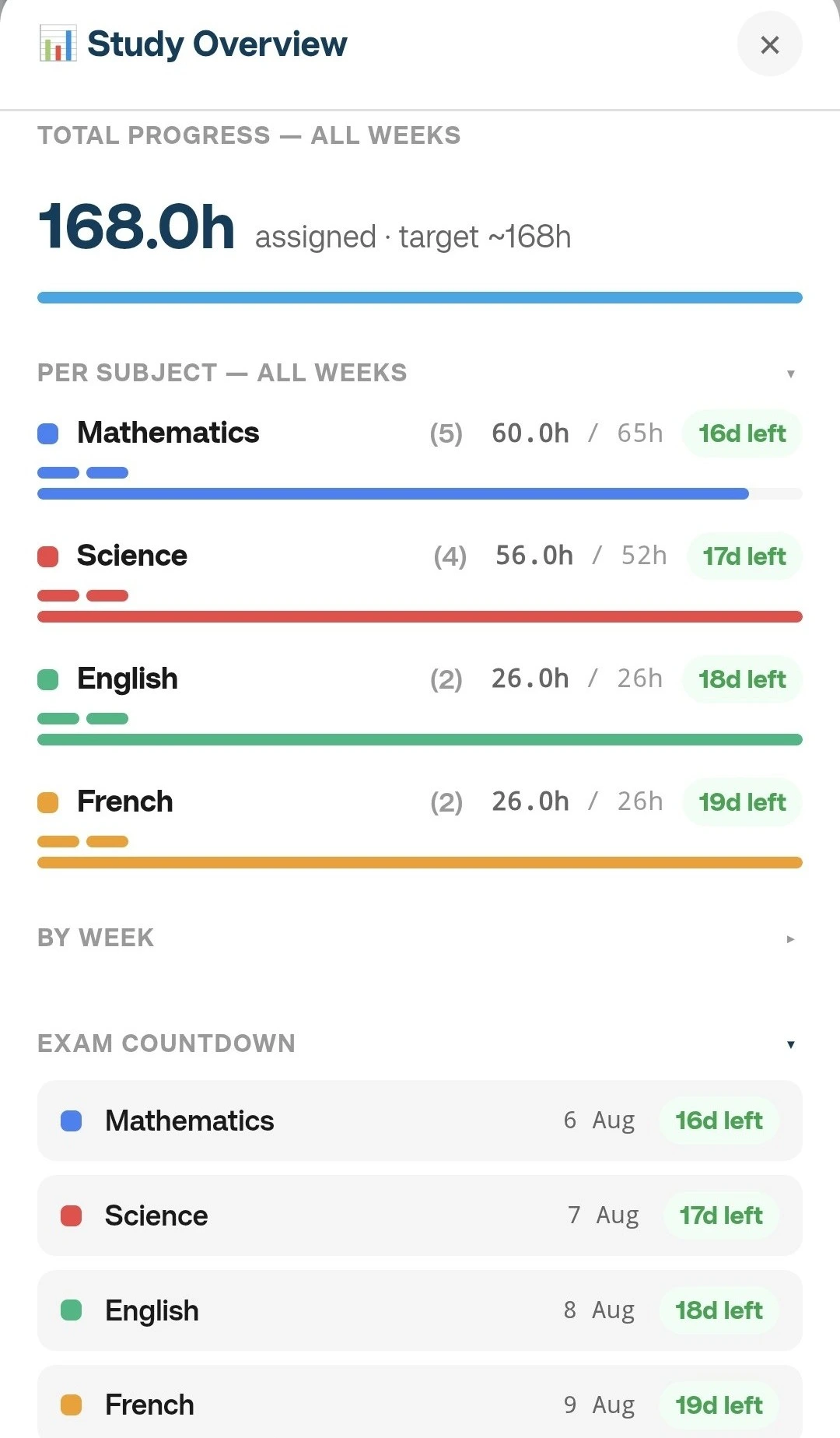
Choose Manual with Template mode to assign subjects slot by slot. Lock the schedule when done to prevent accidental edits, then export as PDF or save as a .tsk file.
✨ Key Features
🆓 Free PlanExam Planner is available on the free plan. Some features, like cloud save and sync, need an account.
🔒 Privacy-FirstEverything stays on your device. Nothing is sent to our servers unless you sign in and choose to save online.
📚 Subject WeightageAssign priority levels 1–5 to each subject so your most critical exams get the most study time.
🏫 School-Hours AwareBlock out your school or college hours per day so only your genuinely free time is scheduled.
📅 4-Week Calendar ViewNavigate your entire plan week by week with a colour-coded grid showing every subject and activity.
⚡ Activities & Skip BlocksAdd recurring activities (sports, tuition) and one-off unavailable blocks (trips, events) that are respected in the schedule.
📄 PDF ExportGenerate a clean, printable weekly schedule to stick on your desk or share with a parent or teacher.
💾 Auto-SaveYour plan is automatically saved to your browser. Pick up exactly where you left off.
🔒 Lock ModeLock your schedule to prevent accidental changes while you focus on studying.
🌐 4 LanguagesAvailable in English, French, German and Spanish. Switch language at any time.
📂 .tsk File FormatSave your full plan as a .tsk file to reload, edit, or share across devices.
📶 Works OfflineInstall as a PWA or simply use it without internet after the first load.
💼 Common Use Cases
- Board exam prep (10th / 12th): Plan 4–8 weeks of study across 8+ subjects while accounting for ongoing school days
- JEE / NEET preparation: Allocate more hours to Physics, Chemistry and Maths based on weightage while blocking coaching hours
- University finals: Build a 2–3 week intensive revision schedule with subject priorities based on credit weight
- SAT / GMAT / GRE: Structure daily practice blocks across Verbal, Quantitative and Writing sections
- Certification exams: Fit focused study sessions into an otherwise busy working week
Also searched as: exam study planner, study schedule maker, revision timetable, board exam preparation planner, free study plan generator, student exam schedule, subject-wise study plan, weekly revision planner.